If you sell through a store on Zid and you are registered for VAT, you must issue an electronic tax invoice for every sale, exactly as you would in a physical shop. Zid e-invoicing is not only a platform matter: the obligation sits with the merchant as the taxpayer, and the platform is the sales channel the order data comes from.
As businesses move into Phase 2 (the integration phase) wave by wave, it is no longer enough for an invoice to look right on paper. It has to come from an e-invoicing solution connected to the Fatoora platform of the Zakat, Tax and Customs Authority (ZATCA), and it has to be reported or cleared according to its type.
This article explains who must issue e-invoices, what Phase 2 requires from online store invoices, how to issue an invoice for every Zid order without manual work, and how to handle returns with credit notes.
Must a Zid Store Issue E-Invoices?
Yes, if the store owner is a VAT-registered taxpayer. An online sale is a taxable supply like any other, and ZATCA’s e-commerce guideline states that a registered supplier must issue a tax invoice and deliver it to the customer, whether the sale is made directly or through a platform.
Phase 1 (the generation phase) took effect on 4 December 2021 and requires taxpayers to generate and store invoices electronically with compliant solutions. Phase 2 began on 1 January 2023 and is rolled out in waves by taxpayer group; ZATCA notifies each taxpayer of its wave at least six months in advance, according to ZATCA’s simplified e-invoicing guide.
So the real question is not whether the store is covered, but whether you have received your Phase 2 notice, and whether the solution issuing your invoices is connected to Fatoora under your business name and VAT number.
Phase 2 Requirements for Online Store Invoices
In Phase 2 the invoicing solution is integrated with Fatoora, invoices carry specific additional fields, and the system treats two invoice types in two different ways. Most online store orders come from individuals, which means simplified invoices.
| Item | Simplified Tax Invoice | Standard Tax Invoice |
|---|---|---|
| Typical customer | Individual consumer | VAT-registered business |
| Process with Fatoora | Reporting | Clearance |
| Timing | Shared with the buyer, then reported within a maximum of 24 hours | Sent for clearance first, then shared with the buyer |
| Store example | An individual shopper’s order | A company buying under its own name and VAT number |
The E-Invoice QR Code on Simplified Invoices
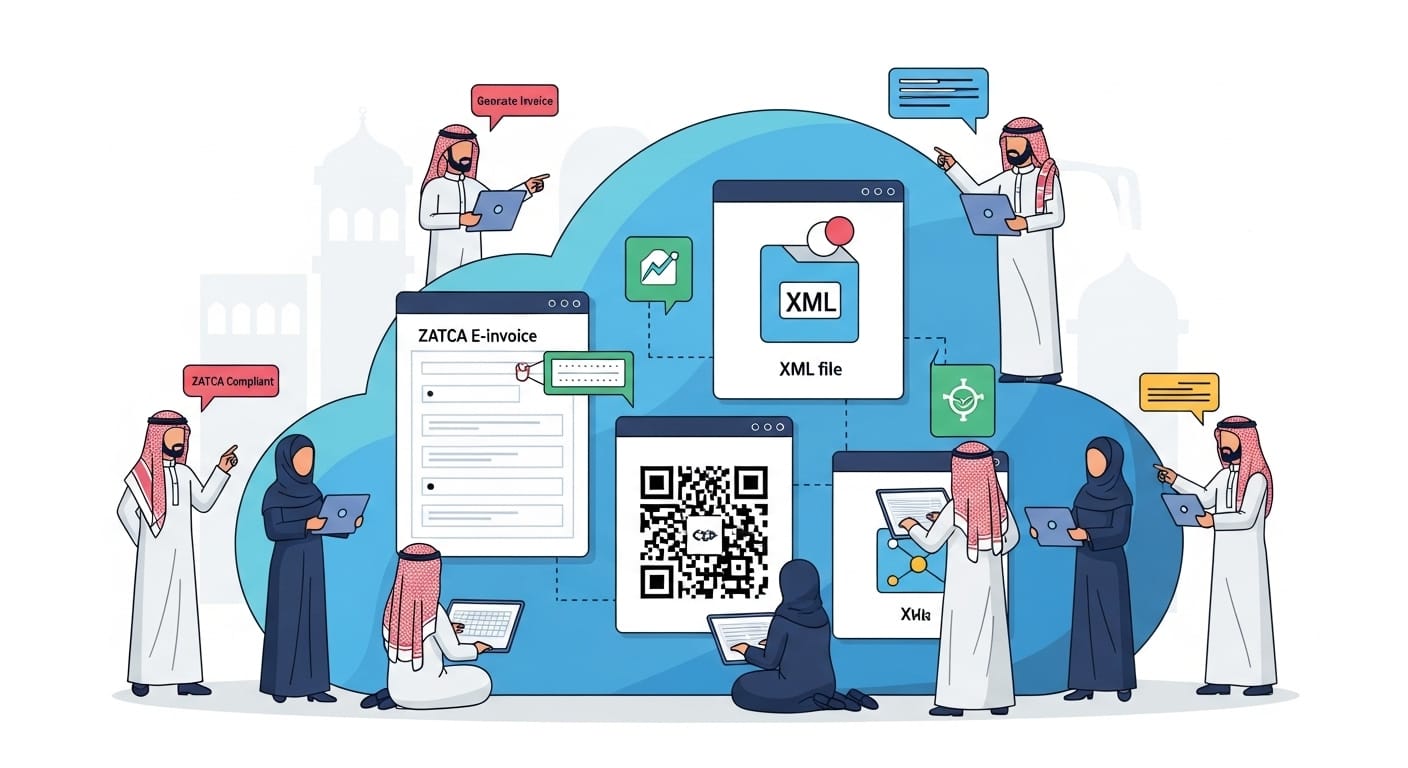
According to ZATCA’s guide, the QR code on a simplified invoice contains the seller’s name, VAT registration number, invoice date and time, invoice total including VAT, and the VAT amount. The customer can scan it with ZATCA’s app to check the invoice.
VAT-Inclusive Prices on a Zid Store
ZATCA’s e-commerce guideline states that final prices advertised to consumers on websites and apps must include VAT, and that VAT is calculated as 15/115 of the inclusive price. Zid’s tax settings let you state whether the prices you enter include VAT and whether VAT is added to shipping fees, so set them in line with this rule and with your accounting system’s settings.
Connecting the Invoicing Solution to Fatoora
Before your wave starts, the invoicing solution must be integrated with Fatoora and the device or system that issues invoices must be onboarded through the Fatoora portal using a one-time password, as ZATCA’s guide explains. The solution must be able to generate and store invoices, stay connected to the internet and include the additional fields required in this phase.
In practice, every system that issues invoices in your business name must be onboarded. If you sell from a Zid store and from a branch with POS, either both must be connected, or all invoices must come from one system that is connected to Fatoora.
For the mandatory fields in detail, see our ZATCA Phase 2 e-invoicing guide.
Issuing an Invoice for Every Zid Order Automatically
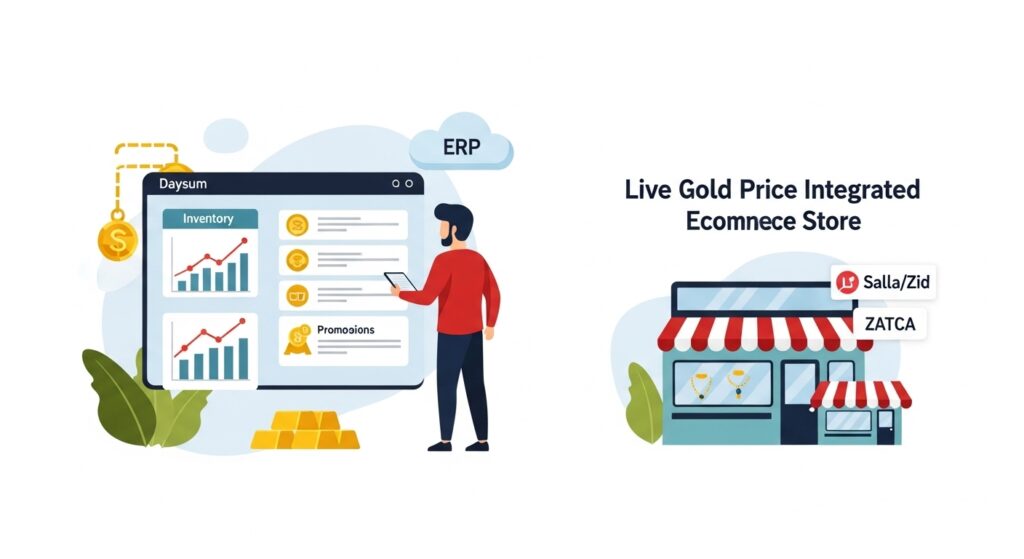
The practical way to issue an invoice for every order without manual work is to connect your Zid store to an accounting system that is integrated with Fatoora, so each order reaches the system as soon as it is placed and the invoice is issued from there. Zid sends real-time webhooks when an order is created and when its status or payment status changes, and the accounting system receives them.
- The customer places the order on Zid and pays, or chooses cash on delivery.
- The order reaches the accounting system with items, prices, discount, shipping fee and order number.
- The system picks the invoice type: simplified for an individual, or standard if the customer entered a business VAT number.
- The invoice is issued with the mandatory fields and QR code and sent to the customer electronically.
- The simplified invoice is reported to Fatoora within the deadline, or the standard invoice is cleared before it is shared.
- Revenue and output VAT are posted, and inventory is reduced by the cost of the items.
Example: an order of SAR 345 including VAT is booked as SAR 300 revenue and SAR 45 output VAT, and the same two amounts appear in the QR code and in the VAT return.
Also read: Zid Odoo integration, which explains what syncs between the store and the system across products, prices, stock and orders.
If you want to see how these steps would apply to your Zid store, talk to the Daysum team to review how your invoices are issued today.
Returns and Credit Notes on a Zid Store
When an item is returned or an order is cancelled after its invoice was issued, the invoice is neither deleted nor edited; a credit note is issued to reduce sales and output VAT. ZATCA’s guidelines state that when goods are returned and the supply is cancelled, the supplier must adjust its output tax and issue a credit note.
What a Credit Note Must Contain
The credit note is issued from the same Fatoora-integrated solution, linked to the original invoice, and states the reason it was issued, such as returned goods, a cancelled supply or a price reduction. It is then reported or cleared in the same way as the original invoice, depending on its type.
Example of a Partial Return
A customer buys two items for SAR 345 including VAT, then returns one item priced at SAR 115 including VAT. A credit note is issued for SAR 100 before VAT plus SAR 15 VAT, leaving net sales of SAR 200 and net VAT of SAR 30, and the item goes back into stock if it can be resold.
An exchange, such as a customer returning one size and ordering another, is treated in the books as a return plus a new sale: a credit note for the returned item and a new invoice for the replacement. If the two prices are equal, net sales do not change, but stock movements stay correct for each size.
A common mistake on online stores is to refund the customer through the payment gateway without issuing a credit note. The VAT then stays on a sale that did not happen, and the VAT return no longer matches the gateway statement.
Connecting Your Zid Store to Daysum’s Approved System
Daysum provides ZATCA-approved e-invoicing as part of its cloud accounting system built on Odoo. For Zid stores, the connection between the store and the system is built as a setup project around each store’s needs, not as a ready app from an app marketplace.
An Odoo-based system can be set up to receive Zid orders, issue the simplified or standard invoice, send it to Fatoora, issue the credit note on a return, and post the journal entries and stock movements at the same time. To see how Daysum handles invoicing inside the system, visit our e-invoicing solution page.
For a refresher on what every Saudi tax invoice must show, read our guide to tax invoice requirements in Saudi Arabia.
Conclusion: A Compliant Zid Store Without Manual Work
E-invoicing for a Zid store is the obligation of the VAT-registered merchant, and in Phase 2 invoices must come from a solution integrated with Fatoora: simplified invoices are reported within 24 hours, standard invoices are cleared before they are shared, and returns are handled with a credit note linked to the original invoice.
When your accounting system issues the invoice directly from the order data, the invoice matches the journal entry and the VAT return, and the manual work disappears along with most of the errors.
If you have received your Phase 2 notice or want to check that your store is ready, contact the Daysum team to discuss connecting your Zid store to an approved invoicing system.
FAQs About E-Invoicing for Zid Stores
Yes, if the store owner is registered for VAT, because an online sale is a taxable supply. The obligation sits with the merchant as the taxpayer. Phase 2 applies once the merchant's wave is due, and ZATCA gives at least six months' notice.
The original invoice is not deleted or edited. A credit note linked to it is issued, stating the reason, the returned value and its VAT. The credit note comes from the Fatoora-integrated solution and reduces sales and output VAT in the period it is issued.
What matters is not where the invoice comes from but whether it meets ZATCA's requirements: issued from a solution integrated with Fatoora under your business name and VAT number, with the mandatory fields and QR code. Ask the provider that issues your invoices whether this holds for your store. Many merchants prefer to issue invoices from their accounting system so that the invoice matches the journal entry, stock and VAT return.
The QR code contains the seller's name, VAT registration number, invoice date and time, invoice total including VAT, and the VAT amount. The customer can scan it with ZATCA's app to check the invoice.
Yes. ZATCA's e-commerce guideline states that final prices advertised to consumers must include VAT. VAT is calculated as 15/115 of the inclusive price, so Zid's tax settings should be configured to match.