Managing employee hours through manual processes is a practice that is rapidly disappearing across the corporate landscape of the region, and for excellent reasons. For decades, business owners and human resources departments relied heavily on paper sign-in sheets, physical punch cards, or rudimentary spreadsheets to track when their staff arrived and departed. While these traditional methods may have functioned adequately for a very small team operating out of a single, highly supervised office space, they break down completely as a company begins to experience meaningful growth.
When you manage a modern workforce spread across multiple cities like Riyadh, Jeddah, and Dammam, or when you have employees working hybrid schedules, relying on manual data entry creates a massive margin for human error and operational friction. Administrative staff spend countless agonizing hours at the end of every single month deciphering messy handwriting, tracking down missing timesheets from various department heads, and manually calculating total hours worked. This heavy administrative burden directly impacts a company’s financial health and operational agility. Mistakes in data entry inevitably lead to incorrect paychecks, which immediately frustrate employees, damage workplace morale, and break the trust between staff and management.
Furthermore, manual tracking opens the door wide to time theft, such as buddy punching, where one employee clocks in for another who is running late or absent. These small, daily discrepancies might seem minor in isolation, but they add up to massive financial losses over the course of a fiscal year, draining resources that could have been invested back into the business.
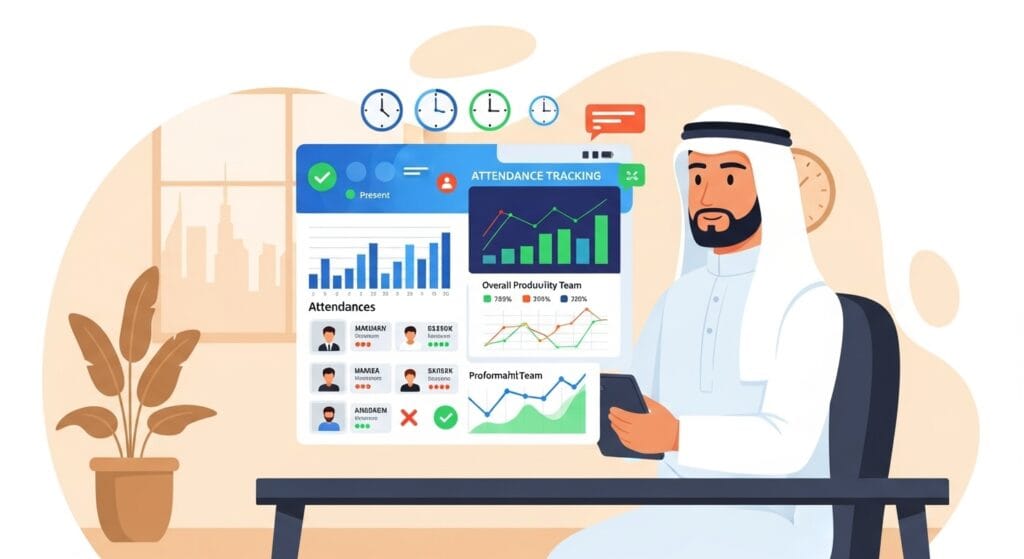
The Saudi market has experienced a massive shift toward digital transformation over recent years, heavily influenced by broader national initiatives aiming to modernize business infrastructure and increase transparency. Modern enterprises understand that accurate data is the foundational element of operational efficiency. Moving to a digital tracking method provides management with immediate, real-time visibility into their workforce dynamics. You can instantly see who is currently on shift, who has called in sick, who is approaching their maximum weekly hours, and who is accumulating excessive overtime.
This immediate access to accurate, unalterable data allows management to make highly informed staffing decisions on the fly, rather than waiting for a historical monthly report that reflects outdated information. Implementing a modern cloud-based attendance system completely removes the guesswork from human resources management and establishes a clear, undeniable record of workplace attendance that protects both the employer and the employee.
What Are the Key Selection Factors for Your Company?
Entering the software market to find a replacement for your manual processes can easily feel overwhelming due to the sheer volume of options, features, and technical specifications available today. To make a highly informed decision that protects your investment, you must evaluate several critical elements that align directly with your specific operational needs.
Here are the primary factors you must carefully analyze:
-
Scalability for Uninterrupted Business Growth:
You might currently operate a single retail location with fifteen employees, but your long-term business strategy likely involves opening new branches, entering new regional markets, and expanding your workforce significantly. The platform you invest in today must have the technical capacity and architectural strength to grow seamlessly alongside your ambitions. It needs to handle an increase from fifty users to five thousand users smoothly, without requiring a complete system overhaul, massive hardware replacements, or causing frustrating data bottlenecks that slow down your human resources team.
-
Deep Integration with Existing Systems:
Attendance data holds very little value if it remains permanently isolated in a standalone application. This critical information must flow directly and automatically into your broader human resources information systems and financial planning ecosystems. If your accounting team still has to manually export a spreadsheet from the time tracking app and then manually import it into the payroll software, you have not actually solved the problem of administrative waste; you have merely shifted the manual labor to a different digital format. Prioritizing platforms that offer the absolute best tools for attendance and payroll integration in Saudi Arabia ensures that the exact hours recorded by your staff automatically and flawlessly sync with their financial profiles. This synchronized approach prepares all necessary documentation for the Wage Protection System (WPS) without requiring constant human intervention, ensuring that bank transfer files are generated perfectly every single month.
-
Uncompromising Compliance with Local Laws:
This is an area where companies simply cannot afford to make mistakes. The Saudi government maintains strict, heavily enforced guidelines regarding employee rights, mandatory working hours, breaks, and Saudization quotas. Your business must interact regularly and accurately with official government portals such as Qiwa and the General Organization for Social Insurance (GOSI). If your internal records show discrepancies when compared to official government data, or if you fail to maintain accurate historical logs of employee hours, your company risks severe financial penalties, blocked visas, and serious operational restrictions. A high-quality digital tracking tool maintains meticulous records that help you prove total compliance instantly during any official audit.
-
Precision in Financial Calculations:
Tracking extra hours worked requires absolute mathematical precision. Having a system that can accurately handle overtime calculation according to Saudi labor laws protects your business from costly legal disputes and ensures every single worker receives exactly the compensation they have rightfully earned under the law.
- Ease of Use and Mobile Accessibility:
The user interface and overall ease of use will ultimately dictate whether your staff actually adopts the new technology or rejects it. If the system is highly complicated, features a confusing layout, or requires extensive technical knowledge just to clock in for a shift, your employees will inevitably find workarounds, complain continuously, or simply fail to use the system properly. Providing a mobile-first interface, specifically one with full, native Arabic language support, removes all friction from the daily routine.
-
Realistic Cost-Effectiveness and ROI:
Finally, you must conduct a thorough, highly realistic return on investment analysis. The cheapest option on the market might lack essential compliance features, while the most expensive, globally recognized enterprise suite might be completely unnecessary and overly complex for your specific regional needs. Balancing upfront hardware costs, recurring monthly subscription fees, and the projected financial savings from drastically reduced administrative errors is the absolute core of understanding how to choose the right attendance system for your business and your unique financial situation.
Which Hardware and Software Technologies Fit Your Workspace?
The physical and digital methods used to capture an employee’s presence have evolved significantly over the last decade, moving far beyond simple keycards. Understanding the specific mechanics, operational benefits, and potential drawbacks of each technology will help you select the exact hardware or software mix that perfectly fits your physical work environment. What works flawlessly in a pristine corporate office might fail completely on a dusty construction site, so context is everything.
Below is a breakdown of the primary technologies available today:
|
Technology Type |
Primary Use Case |
Key Advantages |
Potential Drawbacks |
|
Facial Recognition |
Manufacturing plants, corporate offices, hospitals |
Highly hygienic (touchless), eliminates buddy punching completely |
Requires strict data privacy handling, higher initial hardware cost |
|
GPS Geo-fencing |
Field sales teams, construction crews, delivery drivers |
Provides location proof without physical hardware at the site |
Drains employee phone batteries, requires stable mobile data connection |
|
QR Code / Mobile App |
Startups, retail chains, remote or hybrid workforces |
Extremely low setup cost, highly flexible for scattered teams |
Requires employees to use their personal smartphones |
|
Biometric Scanners |
High-security zones, banks, data centers, government sites |
Unparalleled security accuracy, acts as physical access control |
Slower processing during peak shift changes, high installation costs |
-
Exploring Facial Recognition:
This technology has become increasingly popular and highly requested. The employee simply walks up to a wall-mounted camera or a standalone kiosk, the system scans their facial geometry in real-time, matches it against a secure internal database, and logs their entry within a fraction of a second. The primary, overriding advantage of this technology is hygiene; it requires absolutely zero physical contact. It is also nearly impossible to spoof, completely eliminating the risk of buddy punching or stolen ID cards. However, companies must handle the collection, encryption, and storage of biometric facial data very carefully to respect employee privacy, maintain trust, and comply with all emerging data protection regulations.
-
Understanding GPS Geo-fencing:
This provides a completely different, highly innovative approach, designed specifically for workforces that do not sit in a traditional office environment. Geo-fencing allows your management team to draw an invisible, precise perimeter around a specific location on a digital map. When the employee arrives at the client’s site or the designated work zone, they open a secure app on their mobile phone to clock in. The application checks their live GPS coordinates, verifies that they are standing within the exact designated zone, and records the time.
-
The Flexibility of QR Codes:
Mobile applications utilizing QR codes offer a highly flexible, incredibly cost-effective middle ground for many businesses. You can generate and print a unique, highly secure QR code and place it at the entrance of your office, retail store, or warehouse. Employees simply scan the code with their own smartphone camera through the company app to register their arrival and departure. This method requires almost zero upfront investment in specialized hardware.
-
The Security of Physical Biometrics:
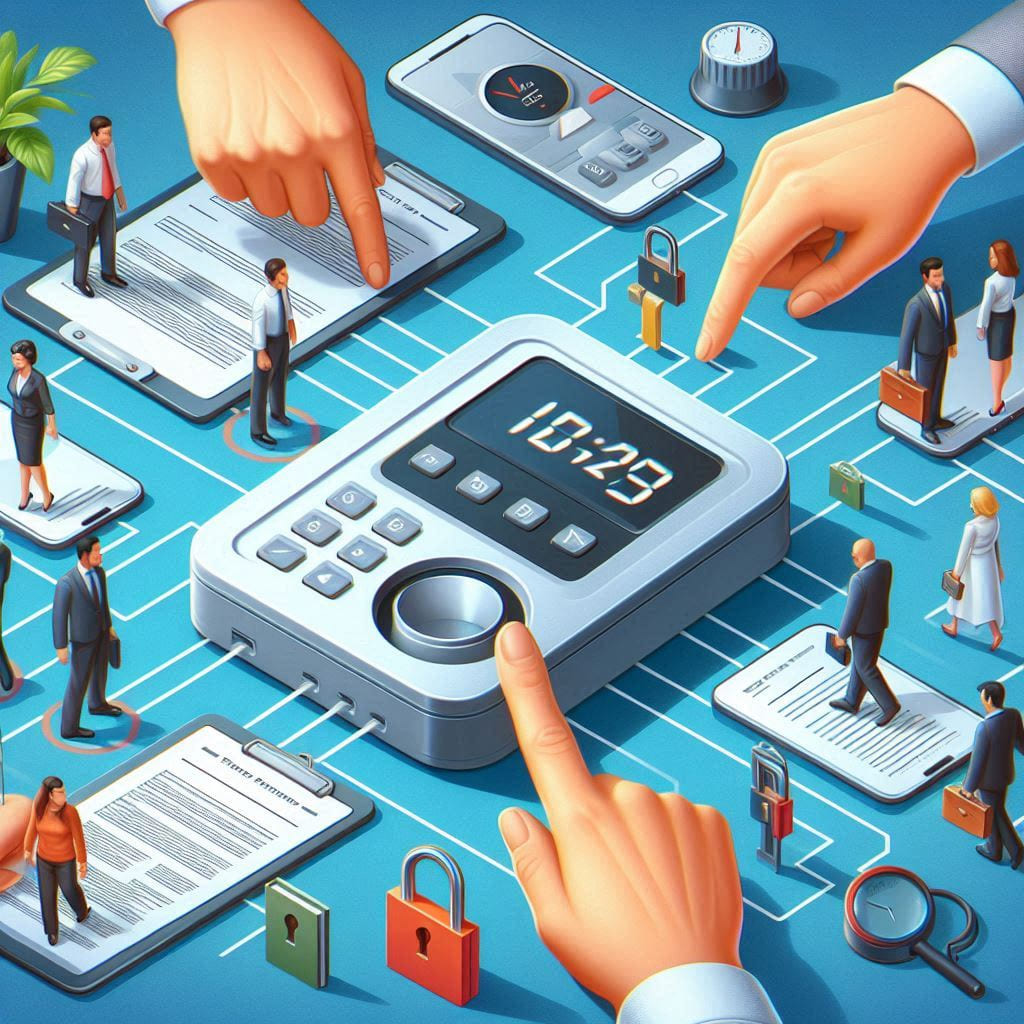
hysical scanning technologies remain an absolute staple in high-security environments where access control is just as important as time tracking. Integrating a robust time attendance system in Saudi Arabia guarantees that the specific person accessing a restricted area or logging a highly paid shift is exactly who they claim to be. Fingerprint scanners and advanced hand geometry readers provide a remarkably high level of accuracy and act as a physical barrier, unlocking secure doors only for officially authorized personnel.
How Do the Top Market Solutions Compare?
The current software market features several prominent, highly competitive players, each bringing unique strengths, specialized features, and distinct pricing models to different types of businesses. Carefully analyzing these providers helps clarify exactly what features are currently available, what industry standards look like, and what financial commitments you can expect to encounter during the procurement process.
-
Dots HR:
This platform has carved out a strong, highly respected reputation by focusing heavily on artificial intelligence and deep data visualization. Their facial tracking algorithms are highly refined and incredibly fast, but their true strength lies in their exceptional visual dashboards. These customizable dashboards allow small and medium enterprise owners to see their live labor costs, historical attendance trends, and departmental efficiency at a single glance. They usually operate on a straightforward, predictable monthly subscription model.
-
Injazat:
Taking a distinctly different approach, this software tailors its core features and technical architecture toward massive enterprise operations and complex logistics. Their platform excels heavily at precise geo-tracking and generating highly complex, multi-layered compliance reporting. If you manage a massive logistics fleet, a nationwide delivery network, or thousands of field workers scattered across the entire kingdom, their per-user pricing model offers deep visibility.
-
ZenHR:
This company caters aggressively to startups, young tech companies, and newly formed retail businesses. They offer highly affordable, flexible pricing tiers and rely heavily on QR code scanning and hybrid mobile app setups, keeping the technical and financial barrier to entry extremely low. Their customer support is specifically, purposely localized for the MENA region, ensuring that users can easily get technical help and training materials in native Arabic.
-
Jisr:
Focusing intently on companies that struggle daily with highly complex, constantly changing shift rotations, this platform is ideal for hospitals, 24-hour manufacturing plants, hospitality venues, and large retail chains. These businesses often deal with night shifts, split shifts, overlapping departmental hours, and rotating weekend schedules. Their deep scheduling integration makes it significantly easier for human resources managers to plot out these complex rosters visually.
-
Bayzat:
Offering a broad, highly accessible, and user-friendly approach, this application appeals to traditional businesses of all sizes looking to digitize quickly. Their mobile application is highly polished and intuitive, making daily shift management, leave requests, and basic human resources tasks very accessible for the average employee, regardless of their technical skill level.
Why a Unified Approach Outperforms Standalone Apps
While evaluating these specialized, standalone platforms, many experienced business owners eventually realize that their true operational needs extend far beyond simply recording hours on a digital punch card. Trying to stitch together five different software programs for accounting, inventory, payroll, and time tracking often leads to massive data fragmentation, technical frustration, and expensive custom API development.
This is exactly where moving toward a unified, comprehensive business management ecosystem becomes highly strategic and financially sound. By implementing advanced hrms cloud solutions provided by Daysum, forward-thinking businesses can effortlessly centralize their entire operation. Daysum allows you to flawlessly manage the daily intricacies of employee schedules and complex payroll rules while keeping that exact same data perfectly synced with your broader enterprise resource planning and accounting ledgers. This permanently eliminates the need for constant, error-prone cross-platform data transfers and ensures your financial data is always perfectly accurate.
What Are the Essential Steps for a Successful Implementation?
Purchasing the software is truly only the beginning of the journey; exactly how you introduce the new technology to your company determines its ultimate success or complete failure. A poorly planned, rushed rollout creates immediate confusion, generates massive resistance from your staff, and completely destroys the anticipated return on investment within the first few months.
Follow this structured roadmap to ensure a smooth transition:
-
Step 1: Conduct a Brutally Honest Internal Assessment:
You must sit down and document exactly how many physical locations you operate, the total headcount of your staff across all divisions, and the specific, unique shift patterns they work. Identify the absolute biggest pain points in your current manual process. Are you losing significant money every month because of unauthorized, unapproved overtime?
-
Step 2: Demand Customized Vendor Demonstrations:
Clearly defining the exact operational problems you need to solve will strictly guide your conversations with software vendors. You should never roll out a brand-new system to the entire company on day one. Request highly detailed, customized demonstrations from your chosen vendors and specifically ask them to replicate your most complex scheduling scenarios live within their software.
-
Step 3: Run a Controlled Parallel Pilot Program:
After officially selecting a provider, initiate a controlled pilot program with a small, tightly managed group of employees. Run the new digital system completely parallel to your old manual system for at least two to four weeks. This critical parallel testing period allows you to identify hidden configuration errors and ensure the data is syncing flawlessly.
-
Step 4: Execute Empathetic, Comprehensive Staff Training:
Introducing new tracking technology almost always triggers immediate anxiety among employees. Staff members may understandably feel that the company no longer trusts them. Management must clearly, openly communicate that the system is specifically designed to protect employee rights. Take the time to explain that the new digital process guarantees their hard-earned overtime will be calculated perfectly every single time. Provide interactive hands-on training sessions and create simple, highly visual Arabic instructional guides.
-
Step 5: Monitor Output and Measure the ROI:
The final, ongoing phase involves continuous, data-driven monitoring of the system’s actual impact on your daily operations. After the software has been running smoothly for a full business quarter, sit down and review the hard metrics. Calculate the exact number of hours your human resources team has saved on administrative data entry and payroll preparation. Look closely at your payroll processing times and verify that historical error rates have significantly dropped.
Frequently Asked Questions (FAQs)
While the software itself cannot force you to strictly follow the law, it provides the precise tracking, historical data logs, and automated calculation tools absolutely necessary to prove your compliance instantly to government bodies like Qiwa and GOSI during an official audit.
Not necessarily. While high-security areas benefit greatly from biometric scanners or facial recognition cameras, many growing businesses successfully manage their entire workforce using completely hardware-free methods like mobile apps with GPS geo-fencing or printable QR codes.
By directly linking precise daily check-in data with your dedicated payroll module, a unified system ensures that the salary files generated for your bank exactly match the hours actually worked, drastically reducing the risk of WPS rejections or banking delays.
Yes, cloud-based mobile applications equipped with GPS tracking allow field teams, delivery drivers, and remote sales staff to securely clock in from client locations, providing management with verifiable proof of attendance without needing them to physically visit a central office.
Daysum provides a truly centralized environment where human resources, payroll, and core accounting are fully, naturally integrated. Choosing Daysum prevents messy data silos, stops your team from having to enter the exact same numbers into multiple programs, and provides a singular, totally accurate view of your company's financial health.